By 3 p.m., many people can feel it setting in – tired eyes, a mild headache, blurry focus, or that dry, scratchy feeling that makes one more email seem like too much. If you have been wondering how to relieve digital eye strain, the good news is that small changes can make a real difference, and you do not have to give up screens to feel better.
Digital eye strain is common because our eyes were not designed to stare at phones, tablets, laptops, and monitors for hours without a break. When we use screens, we tend to blink less, focus at one distance for too long, and work through glare, poor lighting, and awkward posture. The result can be uncomfortable eyes, neck tension, fatigue, and trouble concentrating by the end of the day.
For many people, the symptoms come and go. For others, they become part of the daily routine. That is usually a sign that your setup, your habits, or your prescription need a closer look.
What digital eye strain actually feels like
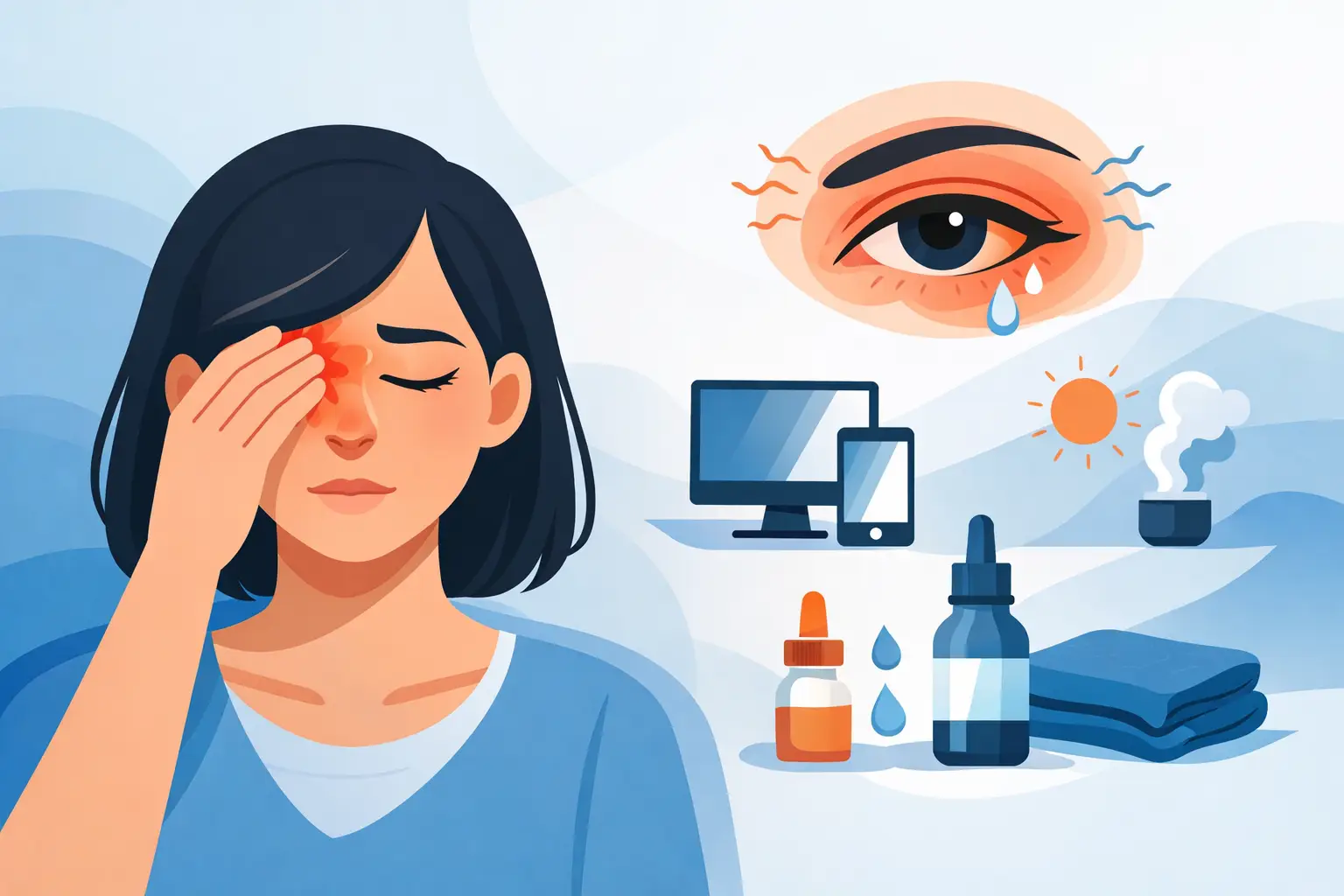
Digital eye strain is not one single problem. It is a group of symptoms linked to extended screen use. Your eyes may feel dry, watery, tired, irritated, or sensitive to light. You might notice headaches, blurred vision, or difficulty shifting focus from the screen to the room around you.
Sometimes the eyes are not the only issue. Screen habits can also lead to shoulder tension, neck pain, and overall fatigue, especially if your monitor is too high, too close, or off to one side. That is why relief often comes from improving both eye comfort and workspace ergonomics.
How to relieve digital eye strain at home and at work
The most effective approach is usually a combination of simple adjustments. No single tip works for everyone, because symptoms often have more than one cause.
Start with the 20-20-20 rule
This is one of the easiest habits to build into your day. Every 20 minutes, look at something about 20 feet away for 20 seconds. It gives your focusing system a break and helps reduce that locked-in, strained feeling that can build up during close work.
If you forget, set a gentle phone reminder or use your natural transitions – after sending a message, finishing a task, or before opening a new tab. The key is consistency, not perfection.
Blink more than you think you need to
When people concentrate on screens, blinking drops off. That matters because blinking spreads tears evenly over the surface of the eye. Fewer blinks usually means more dryness, irritation, and fluctuating vision.
A simple reset can help. Every so often, close your eyes fully for a second or two, then blink several times before returning to your screen. It sounds minor, but for dry, overworked eyes, it can provide real relief.
Adjust your screen distance and position
Your screen should generally sit about an arm’s length away, with the top of the monitor at or slightly below eye level. If the screen is too close, your eyes work harder to maintain focus. If it is too high, your eyes may stay open wider, which can make dryness worse.
For laptops, the trade-off is common: the screen may be too low for comfortable viewing, while the keyboard position feels right for your hands. If you spend hours on a laptop, using a separate keyboard and raising the screen can make a noticeable difference.
Reduce glare and harsh lighting
Glare forces your eyes to work harder, even if you do not notice it right away. Sunlight from a window, overhead lights, and reflective screens can all contribute to discomfort.
Try repositioning your monitor so bright light is not directly in front of or behind it. If your screen is glossy, reducing surrounding glare often helps more than simply turning up brightness. A softer, balanced lighting setup is usually easier on the eyes than a very bright screen in a dim room or a dim screen in a bright room.
Match screen brightness to your space
A screen that is dramatically brighter or darker than the room can increase visual fatigue. Your display should feel comfortable, not glaring. If a white background looks like a light source, it is probably too bright. If you are squinting to read, it may be too dim.
Text size matters too. Many people push through with font that is smaller than comfortable, especially on phones and spreadsheets. Enlarging text is not cheating. It is one of the quickest ways to reduce strain.
Dryness is often a big part of the problem
A lot of people assume eye strain is only about focus, when dryness is often a major factor. Heated or air-conditioned rooms, ceiling fans, long screen sessions, and contact lens wear can all make symptoms more noticeable.
Use artificial tears if your eyes feel dry
Lubricating eye drops can be helpful, especially during long workdays. The right option depends on how often you need them and whether you wear contact lenses. Some drops are better for occasional dryness, while others are designed for more frequent use.
If you find yourself reaching for drops several times a day and still feeling uncomfortable, that is worth discussing with an optometrist. Ongoing dryness can point to underlying dry eye disease, not just screen fatigue.
Be aware of contact lens comfort
Contact lenses and long screen hours can be a frustrating combination for some people. If your lenses feel dry, sticky, or harder to tolerate by late afternoon, your eyes may need a different lens material, a different wearing schedule, or dry eye support.
This is one of those it-depends situations. Some people do very well in contacts during screen-heavy days, while others feel much better alternating with glasses.
Your prescription may be part of it
If you are doing all the right things and still struggling, an outdated or incomplete prescription may be making your eyes work harder than they should. Even a small uncorrected vision issue can contribute to headaches, blur, and fatigue during prolonged screen use.
Computer glasses can help in the right situation
Not everyone needs a separate pair of computer glasses, but for some people they are a great solution. This is especially true if you spend long hours at a desktop setup, wear progressive lenses that do not feel ideal at computer distance, or notice strain mainly during near and intermediate tasks.
A personalized recommendation matters here. The best lens option depends on your age, your prescription, how far your screen sits from your eyes, and whether you switch often between devices.
Blue light is not the whole story
Blue light gets a lot of attention, but digital eye strain is usually more about blink rate, focusing demand, dryness, glare, and screen habits than blue light alone. Some patients do find certain lens coatings or screen settings more comfortable, especially in the evening, but they are not a cure-all.
That is why it helps to look at the full picture instead of relying on one product or one setting to solve everything.
When to book an eye exam for digital eye strain
If your symptoms are frequent, worsening, or interfering with work, reading, driving, or sleep, it is a good time to schedule an eye exam. The same goes if you have red eyes, persistent headaches, double vision, sudden blur, or dryness that does not improve.
An exam can help determine whether the issue is simple digital fatigue, dry eye disease, an uncorrected prescription, binocular vision stress, or another eye health concern. That kind of clarity matters, because the right fix depends on the real cause.
At 4 Eyes Optometry, this is part of proactive, personalized care. Rather than offering a one-size-fits-all answer, the goal is to understand how your eyes feel during your real day – at work, at home, in the car, and on your devices – and recommend solutions that fit your routine.
Helping kids and teens with screen-related eye strain
Children and teens are not immune to digital eye strain. Schoolwork, gaming, streaming, and social media can add up quickly, and younger patients may not always realize that eye discomfort is something they should mention.
If your child rubs their eyes, squints, complains of headaches, avoids reading, or seems unusually tired after screen time, it is worth paying attention. Regular breaks, good lighting, outdoor time, and up-to-date vision correction can all help. If symptoms continue, an eye exam is the best next step.
Small changes add up
If you want to know how to relieve digital eye strain, think less about finding one perfect trick and more about building a more comfortable visual routine. Raise the screen. Blink more. Take breaks. Increase text size. Address dryness. Make sure your prescription still fits your life.
Your eyes work hard for you every day. Giving them a little support can make work feel easier, evenings feel better, and screen time feel less exhausting.