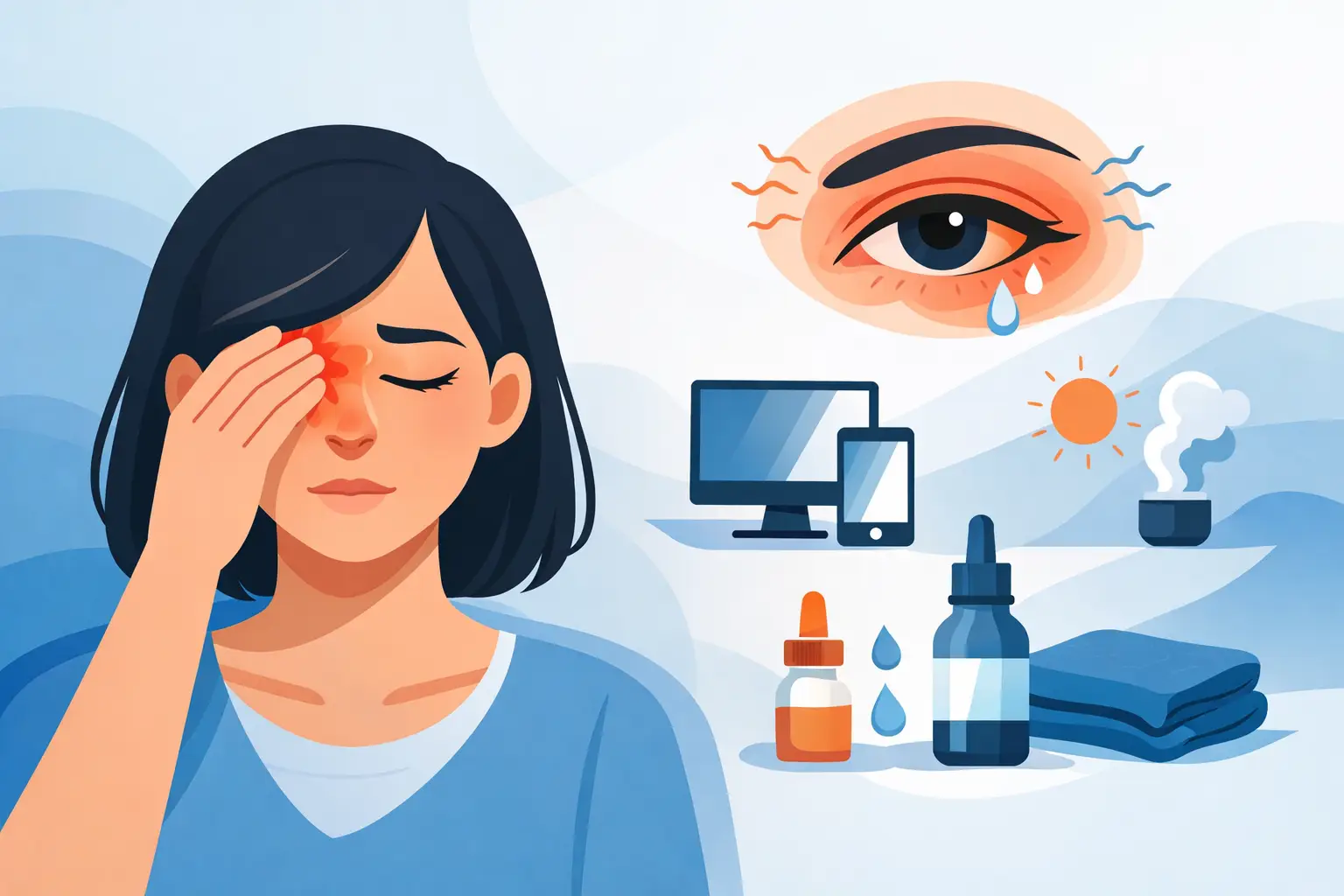

A long afternoon of emails, video calls, homework, or scrolling can leave your eyes feeling tired, dry, blurry, or simply overworked. The best glasses for screen time are not one-size-fits-all blue-light glasses pulled from a shelf. They are glasses chosen around your prescription, the way you use screens, your eye comfort, and the distance you naturally hold your devices.
For some people, the right answer is a small prescription adjustment or a computer-specific pair. For others, it is a better lens coating, treatment for dry eye, or a few changes to their workspace. A thoughtful eye exam helps separate a simple comfort issue from a vision concern that deserves closer attention.
What makes screen time hard on your eyes?
Screens do not usually damage healthy eyes simply because you use them. The challenge is how we use them. When concentrating on close work, we blink less often and may hold our focus at one distance for hours. That can contribute to dryness, headaches, eye fatigue, and trouble shifting focus from the screen to across the room.
Glare is another common problem. Light reflecting from a monitor, nearby window, overhead fixture, or the front and back of your lenses can make visual work feel more demanding than it should. If your prescription is even slightly out of date, all that effort becomes more noticeable.
Children and teens can experience screen-related discomfort too, especially during schoolwork. They may not always describe eye strain clearly. Frequent rubbing, avoiding reading, headaches after homework, sitting unusually close to a screen, or losing their place can all be worth mentioning at an eye exam.
Best glasses for screen time: start with your prescription
If you already wear glasses, your everyday prescription may be all you need for comfortable screen use. But a prescription designed for driving, distance viewing, or general wear is not always ideal for hours at a computer.
Single-vision computer glasses
Single-vision computer glasses are designed around a specific working distance, usually the space between you and a desktop monitor. They can be particularly helpful if your regular glasses make you tilt your head, lean forward, or struggle to keep text clear during extended computer tasks.
The trade-off is that these glasses may not be as useful for seeing across a room or driving. They are often a second pair kept at a desk, making them a practical option for people who spend much of the day on a computer.
Progressive lenses with computer-friendly design
Progressive lenses can correct distance, intermediate, and near vision without visible lines in the lens. They are a convenient choice for adults who need help at more than one distance, but the design matters. Standard progressive lenses may have a narrower area for computer work, especially on a large monitor.
A computer-oriented progressive can offer a wider intermediate viewing zone for desk work and conversations nearby. It may be a comfortable solution for office work, cooking, hobbies, or moving around at home. Your optometrist can help you decide whether a general progressive, an occupational progressive, or a dedicated computer pair better suits your routine.
Reading glasses are not always computer glasses
Over-the-counter reading glasses can magnify close print, but they are not customized to your eyes, your working distance, or astigmatism. They can be fine for occasional reading for some people, yet they may create more strain if you are trying to use them for a desktop monitor that sits farther away.
If you find yourself lowering your chin, moving closer to the screen, or removing your readers to see the monitor, it may be time to discuss a more tailored option.
Lens features that can improve comfort
The lens material and coating can make a meaningful difference, especially when screens are only one part of a busy visual day.
An anti-reflective coating is often one of the most useful additions. It reduces distracting reflections on your lenses and can improve the clarity of what you see through them. It also helps other people see your eyes more clearly in video calls, which is a nice practical benefit for work and school.
A high-quality anti-reflective coating may also be easier to keep clean and more resistant to smudges than basic options. Since fingerprints and dust can scatter light and add glare, clean lenses are more than a cosmetic detail.
Blue-light filtering lenses are worth discussing, but they should not be treated as a cure for digital eye strain. Research does not show that blue-light glasses reliably prevent eye strain or protect against eye disease from normal screen use. Some people still prefer a subtle blue-light filter because they find the lens appearance or comfort appealing, particularly in the evening. The best choice depends on your preferences, not on a promise that one filter will solve every symptom.
If nighttime screen use affects your sleep, adjusting screen settings, lowering brightness, and creating a calmer evening routine may be more helpful than relying on lenses alone.
Fit matters as much as the lens
A beautifully made lens can still feel frustrating in a frame that slides, pinches, or sits in the wrong position. For progressive and computer lenses especially, frame fit affects where you look through the lens and how naturally you can hold your head.
A good frame should rest comfortably without pressure behind the ears or on the bridge of the nose. It should stay in place when you look down at your keyboard or phone. Frame size also matters: a lens that is too shallow may limit the available area for certain multifocal designs, while an oversized frame may not suit every prescription.
This is where trying on frames with an experienced optician is helpful. The goal is not only to find a style you enjoy wearing. It is to choose a frame that supports the lens design your eyes need.
When glasses are not the whole answer
If your eyes burn, water, feel gritty, or become blurry later in the day, dry eye may be part of the picture. Reduced blinking during concentrated screen work can make existing dryness more obvious. Glasses can improve clarity and reduce glare, but they do not treat the underlying tear film issue.
Contact lens wearers may notice this more strongly because lenses can feel less comfortable when the eyes are dry. A dry eye assessment can identify contributing factors and guide treatment that fits your symptoms and lifestyle.
Headaches, double vision, trouble focusing, or eye strain that continues despite updated glasses should also be evaluated. Sometimes the issue relates to focusing ability, eye alignment, medication effects, or another eye health concern. A comprehensive exam gives you a clearer path forward than guessing at a new pair of lenses.
Small habits that support your screen glasses
Even the right glasses work better with a comfortable setup. Position your monitor roughly an arm’s length away, with the top of the screen at or slightly below eye level. Keep the display bright enough to read without squinting, but not so bright that it feels harsh compared with the room around you.
Give your eyes regular distance breaks. A simple approach is to look away from close work every 20 minutes and focus across the room for about 20 seconds. Blink fully and intentionally a few times before returning to your task, particularly if your eyes tend to feel dry.
For families, these habits do not need to become another stressful rule. Short outdoor breaks, a comfortable homework station, and regular eye exams can support healthy visual habits while leaving room for school, connection, and the everyday realities of family life.
At 4 Eyes Optometry, screen-time recommendations begin with listening: how your eyes feel, what your day looks like, and what you need your glasses to do. The most helpful pair is the one that lets you work, learn, and relax with clearer, more comfortable vision – and feels good enough that you genuinely want to wear it.